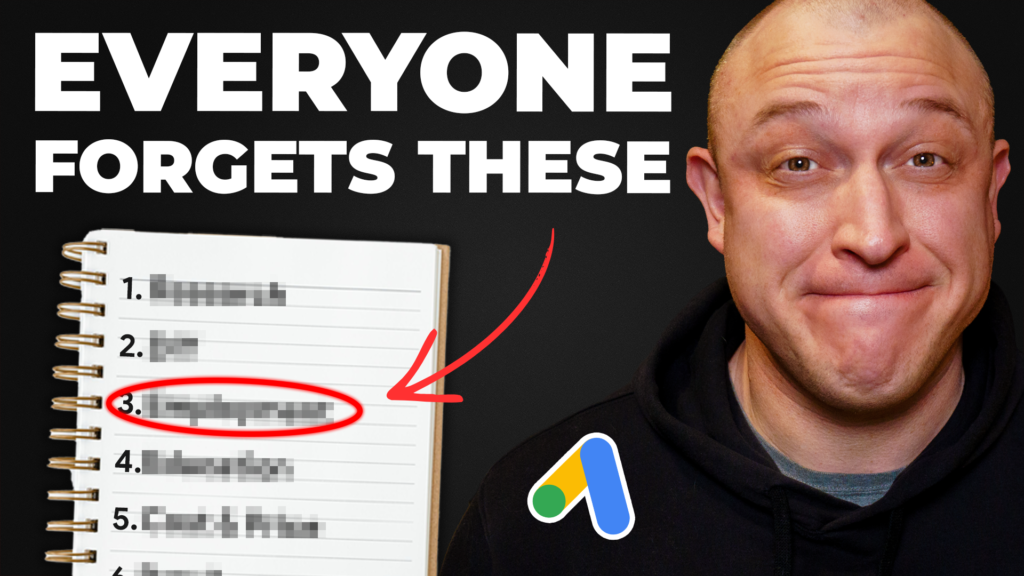
There are seven types of negative keywords every local lead gen campaign should be using. If you’re not using them, you’re wasting budget on low-quality, irrelevant clicks that will never turn into a lead or a customer.
Use all seven correctly and you block junk clicks from every angle at once.
Below I’ll cover:
- The 7 types of negative keywords
- How each one works
- Why you need them in your campaigns
- Plus 2 bonus types that don’t come up as often, but take a big bite out of your budget when they do
The list I’m sharing here took 8 years and millions of dollars in ad spend to build. If you can copy and paste, you can put it to work in a couple of minutes.
Let’s get started.
1. Research keywords
This category has the most negative keywords of any group. It covers the search terms someone uses during the research phase of their buying journey.
These people are browsing the web, visiting sites, and gathering information. Putting your ad in front of them might seem smart. But the one thing they aren’t doing is buying. Maybe later. Maybe never.
Some of these searches do turn into leads or sales, but the odds are low. It’s not worth paying for unless you have a big budget and enough conversion history for smart bidding to sort the real buyers from the browsers.
To avoid paying for low-intent research traffic, use negatives like:
- before
- after
- pictures
- reviews
- blog
- comparison
- alternatives
- examples
Just to name a few.
These people are browsing. They’re looking at before and after pictures, learning how things work, and reading reviews. Those searches can turn into paying customers, but usually they don’t.
I’d rather let these people click my competitors’ ads first. Then when they’re actually ready to buy, we scoop them up with higher-intent search terms and turn them into a customer.
2. DIY keywords
This group is worse than the first one, because these people are even less likely to buy.
How do I know? If someone’s in DIY mode, it’s because they want to do it themselves. That plan doesn’t usually involve hiring someone else to do the work.
Use some common sense when building this list. The best way is to put yourself in the searcher’s shoes and ask what you’d type if you wanted to learn how to DIY something. I’m willing to bet you’d use words like:
- checklist
- guides
- diy
- diagram
- tools
- supplies
All of these point to someone looking for information to help with their own project. Look at the intent behind them and it’s clear these people aren’t looking to pay for a service. If you sell a service, you probably shouldn’t be advertising to them.
3. Job and employment keywords
This group will cause you a ton of headaches and lost money if you don’t get on top of it from day one. It’s arguably the worst group on this list, because it’s a double threat.
First, they click your ads and waste your money. Then they opt into your contact forms and sabotage your conversion data. These people are relentless. If you don’t block them, the same person will click your ad and opt in again and again.
I’m talking about people looking for jobs. They’re persistent, so a strong negative list here is a must-have. Here’s what a job seeker might type:
- application
- career
- full-time
- part-time
- hiring
- jobs
- openings
Just to name a few. Add these as soon as you can and you’ll save yourself a lot of wasted spend.
4. Education keywords
These searches aren’t about information. They’re about actual education. Think textbooks, courses, and schools.
Some examples:
- books
- classes
- courses
- schools
- training
- college
- university
If you aren’t selling education, it’s very easy to pick up this traffic without meaning to.
5. Cost and price keywords
This group is a real double-edged sword. Handle it carelessly and it’ll cost you.
Cost and price keywords are used by people looking for information about what a service costs. Despite the name, these searches tend to have lower purchase intent. Think about it. Someone searching for pricing info is probably a price-conscious shopper or on a budget, and they’re less likely to buy than someone who isn’t focused on price.
To complicate things, this group splits into two subcategories.
Subcategory one: quote seekers. These are searches with words like:
- quote
- price
- cost
- estimate
- rates
These people are looking for quotes or estimates. They might be genuine customers, or they might be fishing for comparison quotes. It’s not a black-and-white rule. I’ve seen campaigns do extremely well with these keywords, so apply them case by case.
That’s why I like to build a standalone ad group for cost and price terms. If they work for that business in that area, we keep it running. If not, we shut it off.
Subcategory two: bargain hunters. These you definitely want to block:
- affordable
- bargain
- cheap
- discount
- free
Again, just to name a few. I don’t think I need to explain why.
6. Retail keywords
These are searches containing the names of online or brick-and-mortar retailers that sell products related to your service.
Here’s an example. If you target “roof shingle replacement” on phrase or broad match, your ad could easily show for “home depot roofing shingles.”
To stop that, use negatives like:
- Amazon
- Lowes
- Home Depot
- Walmart
- Target
If someone types Home Depot or Lowes into a search, they clearly aren’t planning to call a roofing company. They just want to see what shingles those stores carry. Block all retail-related search terms.
7. Question keywords
Last up is a short but unique group I call question keywords. These show up in question-style searches with words like:
- what
- where
- when
- who
- why
- how
A few quick examples:
- “When should I replace my roof?”
- “What is a fair price for a roof?”
- “Where can I get multiple roofing quotes?”
These could technically fall under the research category, but I think they deserve their own group. They can result in a sale, but in my experience it’s not likely. The good news is they’re easy to block.
That covers the 7 essential groups. Now here are the two bonus groups people overlook.
Bonus 1: Competitor brand names
These get especially pesky when you’re running phrase match keywords like “roofing contractor” or “roofing company.” You’ll start seeing clicks in your search terms report for things like ABC Roofing or AAA Roofing, and whatever other competitor brands are in your area.
That’s a problem. People searching for a specific company want to contact that company. If your ad shows at the top of their results, they can get confused and click it. Those searches can convert, but only in special cases. It’s better to block them with negatives so you can either eliminate that traffic or target it deliberately in a separate competitor campaign.
The hard part is building the list. In dense areas it can easily run 1,000 names or more.
To do it, I use a web scraping tool called Outscraper that scrapes Google Maps results for a specific category like “roofing contractors.” It’ll generate a list of every roofing company in your area, and all you do is copy and paste those names into a negative list.
Bonus 2: Product brand names
The second overlooked group is product-related brand searches, and it’s an easy fix.
Back to our roofing example. Your keywords will sometimes scoop up traffic containing industry product brands like:
- CertainTeed
- Owens Corning
- Tamko
- Timberline
All common brands in the roofing industry. Take 15 minutes to search for the most common product brands in your industry and you can put together a solid negative list to add to your campaign.
Want help with your Google Ads?
If you would rather someone else ran them, here is Google Ads management for local service businesses. If you are an agency, we also run white label PPC under your brand.
Prefer to run them yourself? Join Practical PPC, my Google Ads course for local lead generation.