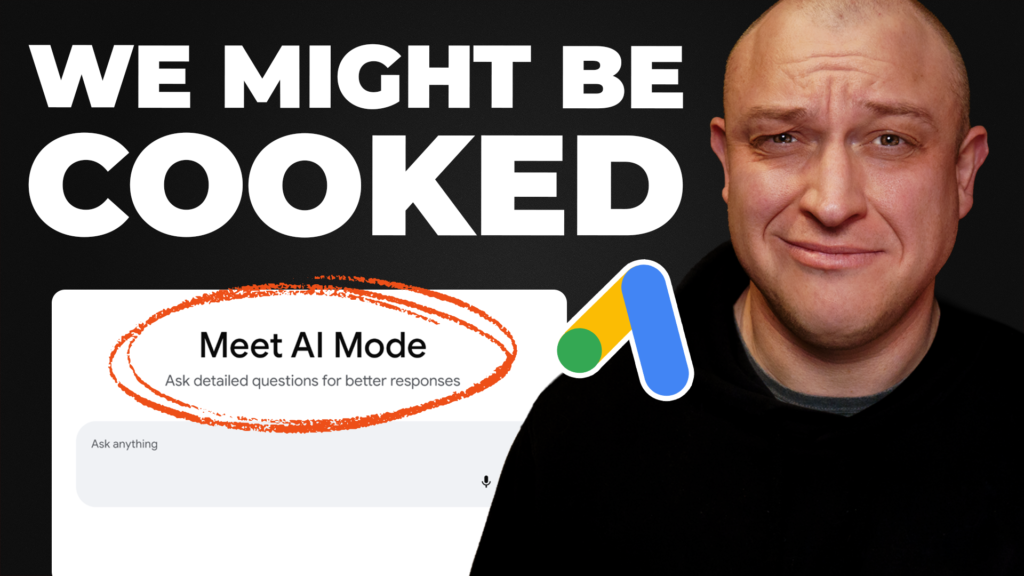
Google just upgraded the search box for the first time in 25 years, and the internet already hates it.
Scroll any comment section and you’ll see the same energy. “Rest in peace Google search.” “Joke’s on Google, I’m not using it.” “Another thing nobody asked for.” People are not thrilled.
And I kind of get it. The last time Google “upgraded” search, we got AI Mode. Before that, AI Overviews were out here telling people to run with scissors, drink their own pee, and put glue on their pizza. So when a new upgrade gets announced, it’s no shock that the reaction isn’t always warm.
But what I actually care about is how this affects my clients’ lead gen campaigns. So here’s what I’ll walk through:
- What Google actually updated
- A quick test drive of AI Mode
- What it all means for your lead gen campaigns
By the end, you’ll know whether you need to change anything, or whether you can keep doing what you’re already doing and let everyone else freak out.
Let’s dive in.
What actually got updated
AI Mode isn’t new. Google added it to the search bar back in May 2025, and people have been using it for a while. But some recent updates stirred things up, mostly because people think it’s going to replace regular search and take away the list of blue links we’re all used to.
That’s not entirely true, but some things did change. Here’s what the latest announcement covered:
- A faster default model. They upgraded to Gemini 3.5 Flash, so response times are a little quicker.
- An expanding search box. It now stretches to fit longer, chat-style questions like the ones you’d ask Gemini or ChatGPT.
- Drag-and-drop context. You can now drop images, videos, audio files, and even Chrome browser tabs right into the search box to give your search more context. I think that part’s pretty cool.
Right now the search box looks the same as always. If you don’t tap AI Mode, you wouldn’t even know anything changed.
Regular search vs AI Mode
So what’s the actual difference between the two?
With regular search, you type a question and get a page of results. Same as always.
With AI Mode, you type a longer, conversational question and a chat window opens up. From there you can ask follow-ups and give the chatbot feedback so it can help you find what you’re looking for.
Two very different experiences. But here’s the important part: the default behavior hasn’t changed. The user decides which one they use.
Taking AI Mode for a test drive
Now that we know what changed, let’s see how it behaves when someone searches for a local business. I dropped in a longer, conversational search:
“My toilet is overflowing and I’m standing knee deep in poop, what should I do?”
It gave me a list of things to do, how to protect myself, and a suggestion to call a professional. There were a few links on the page, but I didn’t see any ads.
Google is running ads in AI Mode in most locations globally right now, but maybe they haven’t rolled them out in Canada yet. I tried to get ads to show up and couldn’t. My guess is they’re testing how to phase ads in without scaring users off. Either way, the moment ads start showing up is the moment this becomes something you need to factor into how you build them.
What this means for paid search and local lead gen
To answer that, I had to find an example of these ads in the wild. The only one I could find was a screenshot posted on X.
The ads look pretty normal. If that screenshot is legit, I’m not seeing anything that would make me change the structure or content of my current ads. You’ve still got multiple headlines, a description, a logo, a business name, and a single image. The only thing missing is any kind of asset or extension. But this is all very new, so we’ll have to wait and see.
At this stage, it looks like you don’t need to do anything at all, which is good news.
As for performance, if your ads do show up here, I’d expect maybe a bump in lead quality, higher conversion rates, and possibly fewer spam or fraudulent clicks. My theory is that people running these AI Mode searches are a bit more committed to solving their problem, but that’s just speculation.
If you want your ads to show up here
There are a few things you need to know.
First, there’s no button for this. You can’t turn it on and you can’t turn it off. Google says so flat out in their own help doc:
“No, you can’t directly target ad placements in the AI Overviews.” “No, you can’t opt out of serving ads in AI Overviews.”
If you want your ad to appear here, Google’s main suggestion is broad match keywords:
“…Google requires AI-powered targeting solutions like broad match on Search…”
This is the big one. Those AI answers get triggered by long, messy, conversational questions, and broad match is the match type built to catch them. Exact and phrase can still show above or below the answer, but broad match is what gets you inside it. Google also says to lean on smart bidding so their system can bid on those looser searches.
Here’s my take. Broad match plus smart bidding can be incredibly powerful when you use it right. It’s also the fastest way to torch a budget if you don’t know what you’re doing. Unfortunately, that seems to be the price of admission to these AI spots.
One last thing. There’s no separate reporting for any of this. Google just lumps this placement in with your regular search ads. So even if you wanted to optimize for it, you can’t tell whether it’s performing better than your other placements.
The bottom line
In my opinion, this isn’t a big deal for local lead gen campaigns right now. It hasn’t changed how I run my campaigns. But it’s something I’m keeping an eye on.
Want help with your Google Ads?
If you would rather someone else ran them, here is Google Ads management for local service businesses. If you are an agency, we also run white label PPC under your brand.
Prefer to run them yourself? Join Practical PPC, my Google Ads course for local lead generation.